What Is Multi-Factor Authentication (MFA)?
MFA requires two or more independent proofs of identity — something you know, have, or are — to stop stolen passwords from being enough to break in.
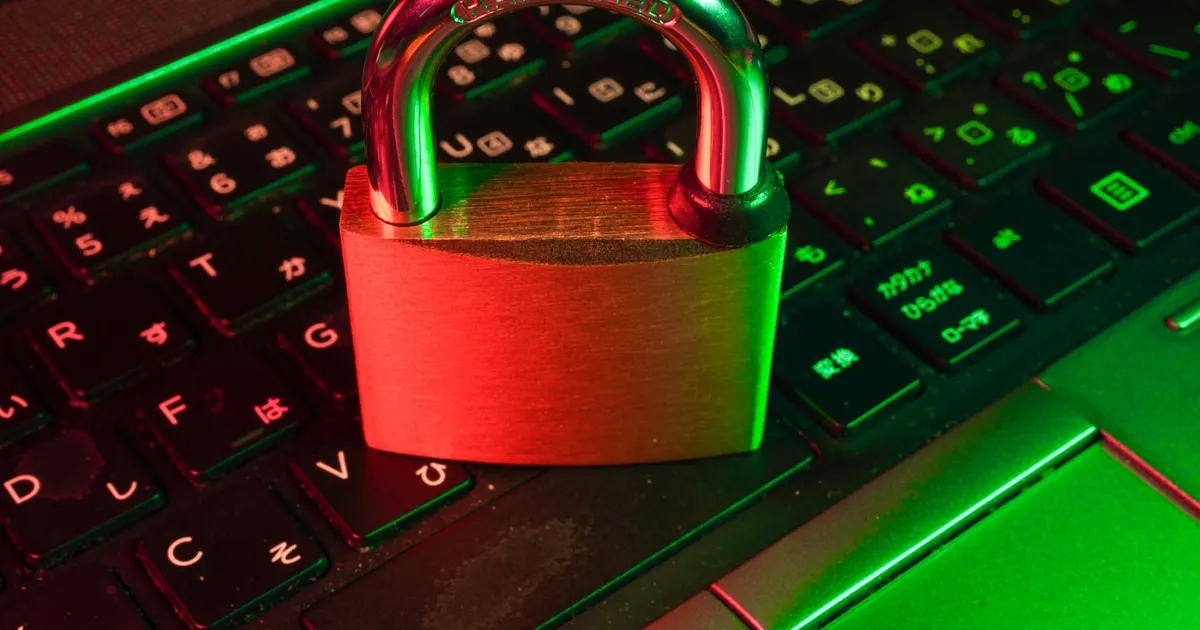
Multi-factor authentication (MFA) is a login process that requires two or more independent proofs of identity before granting access, instead of a password alone. The idea is simple: a stolen or guessed password shouldn’t be enough to get in. Even if an attacker has your credentials, they still need to clear a second, unrelated barrier.
The three factor categories
Security practitioners group authentication factors into three families:
- Something you know — a password, PIN, or security question answer.
- Something you have — a physical or digital item, like a phone receiving a one-time code, a hardware security key, or an authenticator app generating time-based codes.
- Something you are — a biometric trait, such as a fingerprint or face scan.
True MFA combines factors from different categories. Entering a password and then answering a security question is still single-factor in practice, because both are “something you know” — an attacker who phishes one can usually phish the other. A password plus a code from an authenticator app is genuinely multi-factor, because compromising the app requires a different attack than compromising the password.
Common MFA methods, ranked by strength
Not all second factors offer equal protection:
- SMS or email codes — better than nothing, but vulnerable to SIM-swapping and inbox compromise. Treat this as a baseline, not a target.
- Authenticator apps (TOTP) — generate a time-based one-time code from a shared secret. No network dependency, resistant to SIM swaps, but still phishable if a user is tricked into typing the code into a fake login page.
- Push notifications — the app on your phone shows a prompt to approve or deny. Convenient, but “prompt fatigue” attacks — spamming a user with approval requests until they tap accept — are a known weakness.
- Hardware security keys (FIDO2/WebAuthn) — a physical key that performs a cryptographic challenge-response bound to the specific site being logged into. This binding is what makes hardware keys resistant to phishing: a fake login page simply can’t complete the handshake. This is the same mechanism behind passkeys, which extend WebAuthn to replace passwords entirely rather than just supplementing them.
Why passwords alone are not enough
Passwords fail in predictable, well-documented ways: users reuse them across sites, phishing pages harvest them directly, and data breaches leak them in bulk for attackers to try elsewhere (a technique called credential stuffing). None of these failure modes require breaking any cryptography — they exploit human behavior and the fact that a password is a single, static secret.
MFA doesn’t fix password reuse or phishing outright, but it breaks the attack chain. A leaked password from an unrelated breach becomes useless without the second factor. This is also why services increasingly pair MFA with rate limiting on login attempts — throttling brute-force guesses while still requiring a second factor closes off two separate attack paths at once.
MFA vs 2FA vs step-up authentication
These terms get used loosely, so it helps to be precise:
| Term | Meaning |
|---|---|
| Two-factor authentication (2FA) | Exactly two factors, typically password plus one more |
| Multi-factor authentication (MFA) | Two or more factors; a superset of 2FA |
| Step-up authentication | Extra verification triggered by risk signals (new device, unusual location) rather than every login |
Step-up authentication is worth calling out because it’s how most large platforms actually deploy MFA in practice: a low-risk login from a recognized device might only need a password, while a login from a new country triggers an additional factor. This adaptive approach balances security against the friction of prompting every user on every login.
How MFA fits into a broader auth system
MFA answers who is this user, but it’s usually just one piece of an authentication and authorization pipeline. Once a user proves their identity, the server typically issues a session token or a JWT that represents the authenticated session for subsequent requests — the MFA check itself doesn’t repeat on every API call. In federated setups, an identity provider running OAuth or OIDC handles the MFA challenge once and issues tokens that downstream applications trust, so a single login can protect access across many services. Where password databases are involved, the passwords themselves should always be stored using a proper hashing scheme, not encrypted or in plaintext — MFA protects the login flow, but it doesn’t excuse weak storage on the backend.
For organizations moving beyond perimeter-based security, MFA is also a building block of zero-trust architecture, where every request is verified regardless of network location rather than trusting anything inside a corporate firewall by default.
Practical guidance for choosing a method
If you’re deciding what to deploy or which option to pick as a user:
- Prefer authenticator apps or hardware keys over SMS whenever the option exists.
- Enroll a backup factor (a second authenticator device, or printed recovery codes) so losing a phone doesn’t lock you out permanently.
- For high-value accounts — email, password managers, admin panels — use a hardware security key if the service supports it. Phishing resistance matters most where the blast radius of a compromise is largest.
- As an organization, make MFA mandatory rather than optional. Opt-in MFA protects only the security-conscious minority who would likely have caught a phishing attempt anyway.
The takeaway
MFA works by requiring proof from at least two different factor categories, so a compromised password alone isn’t enough to log in as someone else. Not all methods are equally strong — SMS is convenient but weak, hardware keys are strongest because they resist phishing by design. Whether you’re securing a personal account or designing a login system, the goal is the same: make a single stolen secret insufficient to cause a breach.
Keep reading

 Chisato · · 4 min read
 What Is a Man-in-the-Browser Attack?
A man-in-the-browser attack uses malware inside the browser itself to alter what a user sees and submits, bypassing HTTPS and session protections entirely.
 The Lycoris Team · · 5 min read
 CSRF vs. XSS: What's the Difference?
CSRF forges a request using a victim's login session; XSS runs the attacker's own code inside the victim's browser. Different mechanisms, different fixes.
 Chisato · · 4 min read
 Magic Links: How Passwordless Email Login Works
A magic link authenticates a user by emailing a single-use, expiring URL instead of checking a password. How the flow works and its real tradeoffs.