ResizeObserver API Explained: Watching Element Size
The ResizeObserver API lets JavaScript watch an element's box size and react without polling or resize-event hacks. How it works and when to use it.
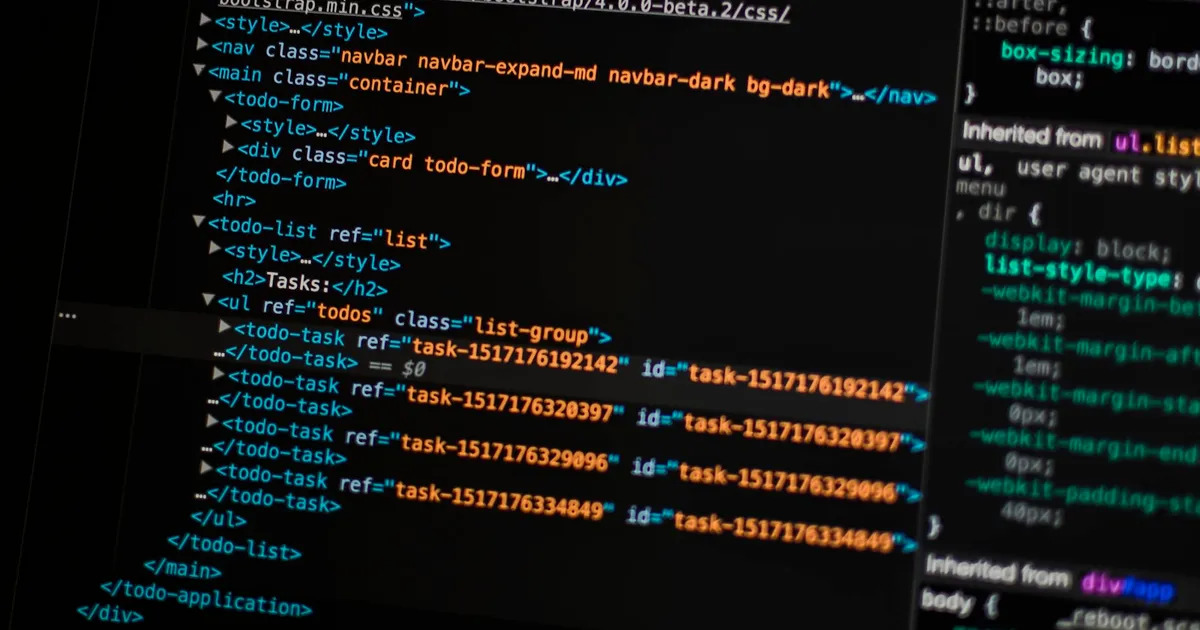
The ResizeObserver API is a browser interface that notifies JavaScript whenever an observed element’s box size changes, whether that change comes from window resizing, a CSS layout shift, content being added, or a flex or grid container reflowing. It replaces older, clumsier techniques — polling getBoundingClientRect() on a timer, or listening for the global resize event and hoping the element you care about happened to change too.
The core problem it solves is scope. The window.onresize event only fires when the viewport changes size. It tells you nothing about an individual <div> growing because its content changed, a sidebar collapsing, or a card resizing inside a CSS grid track. Before ResizeObserver, catching those changes meant either global resize listeners paired with manual measurement, or expensive polling loops that ran whether or not anything had actually changed.
How it works
You create an observer with a callback, then tell it which elements to watch:
const observer = new ResizeObserver((entries) => {
  for (const entry of entries) {
    const { inlineSize, blockSize } = entry.contentBoxSize[0];
    console.log(`New size: ${inlineSize} x ${blockSize}`);
  }
});

observer.observe(document.querySelector(".card"));
The callback fires once immediately (with the element’s current size) and again every time the observed box changes. Each ResizeObserverEntry gives you several box measurements — contentBoxSize, borderBoxSize, and devicePixelContentBoxSize — rather than a single number, because “size” is ambiguous once padding, borders, and scrollbars are involved. Picking the right box matters: contentBoxSize excludes padding and border, borderBoxSize includes them.
To stop watching, call observer.unobserve(element) for one element or observer.disconnect() to stop everything. Always disconnect observers when a component unmounts — a dangling ResizeObserver on a removed element is a small but real memory leak.
Avoiding infinite loops
A classic mistake is resizing the observed element from inside its own callback — say, adjusting font-size based on a container’s width, where the font change then alters the container’s height, which retriggers the observer. The spec guards against runaway loops with a “loop limit exceeded” error that gets logged (and swallowed) after enough same-frame retriggers, but it’s better to avoid the pattern outright: read the size, then write changes to a different element than the one being observed, or gate writes behind a size threshold so trivial changes don’t retrigger work.
ResizeObserver vs container queries
CSS container queries solve a similar problem — styling based on a container’s size rather than the viewport — but they live entirely in CSS and can’t run arbitrary JavaScript. If the goal is purely visual (show a compact layout under 400px, a wide one above it), container queries are simpler, faster, and don’t require observer callbacks at all. Reach for ResizeObserver when you need to do something with the size in JavaScript: redraw a canvas, recalculate a virtualized list’s visible rows, resize a chart library that doesn’t understand CSS, or measure text to decide whether to truncate it.
| ResizeObserver | Container queries | |
|---|---|---|
| Layer | JavaScript | CSS |
| Triggers | Callback with measured entries | Style recalculation |
| Use case | Imperative logic tied to size | Purely visual, declarative styling |
| Cost | One JS callback per change | Handled by the browser’s style engine |
Comparison to other observer APIs
ResizeObserver is one of a family of browser observer APIs that replaced polling-based patterns. IntersectionObserver answers “is this element visible in the viewport?” — useful for lazy loading and infinite scroll. MutationObserver watches for DOM tree changes like added or removed nodes. ResizeObserver answers a narrower question: “did this element’s box change size?” All three share the same batching model — the browser groups notifications and delivers them after layout, rather than synchronously on every micro-change, which keeps the main thread from thrashing.
Performance considerations
ResizeObserver is inherently more efficient than the alternatives it replaced, but it’s not free. Observing hundreds of elements means hundreds of potential callback invocations per layout pass. If the callback does expensive work — recalculating a chart, re-measuring text — debounce or batch that work rather than running it synchronously on every entry; see debounce vs throttle for the tradeoffs between the two approaches. For animation-driven size changes, pair size reads with requestAnimationFrame (see how requestAnimationFrame works) so DOM writes stay aligned with the browser’s paint cycle instead of fighting it.
Size changes are also one of the inputs that affect Core Web Vitals, particularly Cumulative Layout Shift — elements that resize unexpectedly after load are exactly the kind of instability CLS penalizes. Using ResizeObserver to detect and account for expected resizes (like a lazy-loaded image finishing its load) can help you distinguish deliberate layout changes from ones worth fixing.
Common use cases
- Responsive components that need to change behavior, not just appearance, based on their own size rather than the viewport (a data table that switches to card view when its container narrows).
- Canvas and WebGL rendering, where the drawing surface must be resized to match its container in device pixels.
- Virtualized lists and grids, which need to know the exact pixel height of their scroll container to calculate which rows to render.
- Third-party widgets (charts, maps, embeds) that expose a
resize()method but have no way to know on their own when their container changed.
The takeaway
ResizeObserver gives JavaScript a reliable, efficient way to react to an element’s size, independent of the viewport and without polling. Use it when a size change needs to drive imperative logic; use CSS container queries when the response is purely visual. Watch out for feedback loops where the callback resizes the element it’s observing, disconnect observers you no longer need, and batch expensive work inside the callback rather than running it on every entry.
Tagged
Keep reading

 Takina · · 5 min read
 Event Bubbling vs Capturing in JavaScript, Explained
Event bubbling and capturing are the two directions a DOM event travels. How propagation phases work, when to use each, and how to stop them.
 Takina · · 4 min read
 Object.groupBy() in JavaScript, Explained
Object.groupBy() buckets array items by a key you compute, replacing the reduce() boilerplate developers have written for years. How it works.
Takina · · 4 min read Web Locks API: Coordinating Work Across Browser Tabs
The Web Locks API lets JavaScript acquire named locks shared across tabs, so only one tab does work like a token refresh or a write at a time.